

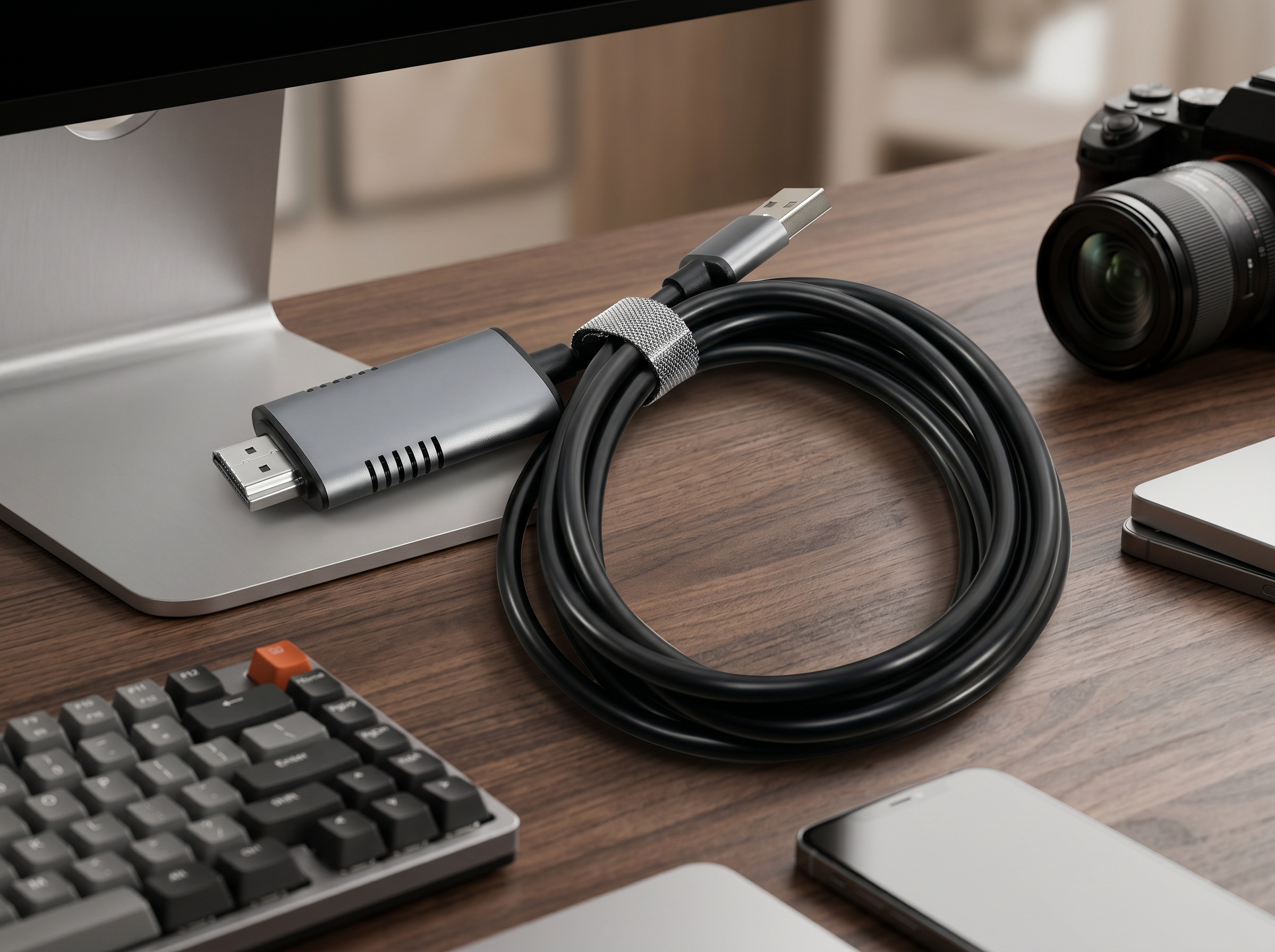
ONTEN OTN-US313 HDMI Video Capture Cable Review: How to Set Up 1080p Capture in Minutes

Capturing high-quality video from a gaming console, camera, or set-top box doesn't require an expensive capture card. The ONTEN OTN-US313 HDMI Video Capture Cable turns any HDMI source into a USB-ready video feed at up to 1080p resolution — no software installation, no drivers, no bulky hardware. In this guide, we'll walk through what makes this cable worth buying and exactly how to set it up step by step.
What Is the ONTEN OTN-US313?
The ONTEN OTN-US313 is a compact HDMI-to-USB video capture cable designed for streamers, gamers, and content creators who need a simple way to record or live-stream HDMI video. Instead of routing your signal through a separate capture box, this cable does the conversion directly, making it one of the most portable capture solutions on the market.
Key Specifications
| Feature | Detail |
|---|---|
| Connector (Output) | USB Type-A |
| Input | HDMI Male |
| Max Resolution | Up to 1080p Full HD |
| Build Material | Metal Alloy Body |
| Color | Silver |
Why Choose the ONTEN OTN-US313 HDMI Capture Cable?
1. Plug-and-Play Simplicity
There's no need to install drivers on most modern operating systems. Connect the HDMI source on one end and the USB Type-A connector to your computer, and the device is typically recognized as a standard webcam/video input.
2. Durable Metal Alloy Construction
Unlike cheaper plastic-bodied capture adapters, the OTN-US313 uses a metal alloy housing, which improves heat dissipation, reduces signal interference, and makes the cable more resistant to daily wear and tear.
3. Full HD 1080p Capture
Whether you're recording gameplay, streaming a presentation, or archiving footage from an older camcorder, the OTN-US313 supports resolutions up to 1080p, giving you crisp, broadcast-ready video quality.
4. Compact and Portable
Since it's built as a single cable rather than a separate capture box with extra wires, it's easy to pack in a laptop bag or carry along for on-location streaming and recording.
5. Sleek Silver Finish
The silver metal finish gives it a clean, professional look that matches most modern laptops and accessories.
Step-by-Step: How to Set Up the ONTEN OTN-US313
Step 1: Check Your Equipment
Before starting, gather:
- Your HDMI video source (gaming console, DSLR/camera with HDMI out, set-top box, DVD player, etc.)
- A computer or laptop with a free USB Type-A port
- The ONTEN OTN-US313 cable
Step 2: Connect the HDMI End
Plug the HDMI male connector into the HDMI output port of your video source (e.g., your camera or console's HDMI-out port).
Step 3: Connect the USB End
Plug the USB Type-A connector into an available USB port on your PC, laptop, or Android device that supports USB video input (UVC).
Step 4: Power On Your Source Device
Turn on the connected HDMI device. Most systems will auto-detect the cable as a standard "USB Video Device" without needing manual driver installation.
Step 5: Open Your Capture or Streaming Software
Launch software such as OBS Studio, Zoom, or your operating system's default camera app. Select the USB Video Device as your video input source.
Step 6: Adjust Resolution Settings
In your software's video settings, set the resolution to 1920x1080 (1080p) for the best output quality, matching the cable's maximum supported resolution.
Step 7: Start Recording or Streaming
Once your video feed appears correctly, you're ready to record, stream live, or use the feed for video calls and presentations.
Common Use Cases
- Gaming Capture: Record and stream gameplay footage from consoles like PlayStation, Xbox, or Nintendo Switch.
- Camera Live Streaming: Use a DSLR or camcorder as a high-quality webcam for live streams.
- Presentation Recording: Capture HDMI output from laptops or presentation devices for tutorials and webinars.
- Legacy Device Archiving: Digitize footage from older HDMI-output players or recorders.
Troubleshooting Tips
- No signal detected? Make sure the HDMI source device is powered on and outputting a signal before connecting capture software.
- Choppy or lagging video? Lower the frame rate in your capture software or close other USB-heavy applications.
- Device not recognized? Try a different USB port, ideally USB 3.0, for stable data transfer.
Final Thoughts
The ONTEN OTN-US313 HDMI Video Capture Cable is an excellent budget-friendly solution for anyone who needs reliable 1080p video capture without investing in a full capture card setup. Its durable metal alloy body, simple plug-and-play design, and full HD support make it a practical accessory for streamers, gamers, educators, and content creators alike.
If you're searching for a lightweight, no-fuss way to bring HDMI video into your computer, the ONTEN OTN-US313 is well worth adding to your setup.
Onten OTN-DS60 Gimbal Stabilizer: 5 Benefits for Professional and Casual Content Creators
ONTEN OTN-UC938 Type-C to DisplayPort Converter Review: 8K 60Hz Cable Guide